Overview
PressTag is a multi-tenant, headless CMS. "Headless" means your writers and editors work in the PressTag admin, while your website's design lives in its own frontend — connected to PressTag through a content API.
What lives in PressTag
Articles, live blogs, web stories, photo galleries, categories, tags, authors, and your media library — all managed from one admin panel.
What lives in your frontend
The design and layout your readers see. It can be built in Next.js, Nuxt, Astro, or any framework that can call a REST API, or you can launch on one of PressTag's five built-in templates.
The admin dashboard
The dashboard is where your editorial team spends most of its time: drafting articles in the built-in TinyMCE rich editor, managing the media library, and tracking each piece through the editorial workflow, from draft to published.
Content types
PressTag ships with the content types digital publishers actually use, so you're not stitching them together from plugins.
Articles
Standard long-form and news articles with rich text, embedded media, and SEO fields.
Live blogs
Timestamped, real-time entries for match-day or breaking news coverage.
Web stories
Full-screen, mobile-first visual story format.
Photo galleries
Multi-image galleries with captions, credits, and CDN-backed delivery.
Live blog
Live blog entries are appended to a running post in real time and delivered to your frontend as they're published — built for cricket, football, and other match-day coverage where updates need to appear instantly, without waiting on a plugin to sync.
SEO scoring
Every article gets a built-in SEO score as your editor writes — covering things like title length, meta description, heading structure, and image alt text — so issues get caught before publishing instead of after.
Templates
If you don't want to build a custom frontend, PressTag includes five ready-made, SEO-friendly templates so every publication doesn't have to look identical.
Focus mode
One click hides everything in the admin except the article you're writing — no sidebar, no toolbar clutter, no notifications competing for attention. Turn it off and your full editorial toolkit is right back where you left it.
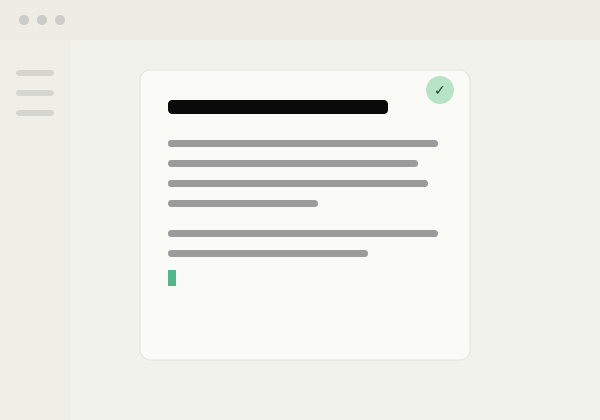
Web story builder
Build full-screen, mobile-first visual stories directly inside PressTag — slides, headlines, and media, without exporting to a separate tool or plugin. Publish it like any other content type, with its own SEO fields.

Custom content properties
Most CMS platforms give every content type the same rigid fields. In PressTag, each content type can carry its own custom properties — so your data actually matches what you're publishing.
Match reports
Add fields like final score, venue, and man of the match — searchable and filterable, not buried in body text.
Product or review content
Attach a rating, price, or pros/cons list as structured fields your frontend can render however you like.
Analytics dashboard
PressTag connects directly to Google Analytics, so the numbers your editorial team needs are on the dashboard itself — no separate GA login required.
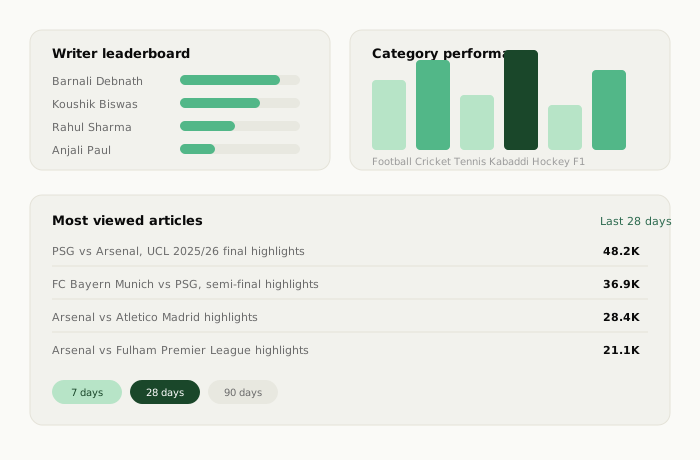
Writer leaderboard
See which writer is publishing the most, synced live from Google Analytics.
Category performance
See which category is getting published the most and which is performing best.
Most-viewed articles
Filter top articles by views over the last 7, 28, or 90 days.
No extra login
Everything renders inside the PressTag admin — nobody needs separate GA access.
No-code customization
Homepage layout, navigation bar, and ad placements are all in the publisher's hands — no code, no developer ticket, no waiting on a deploy.
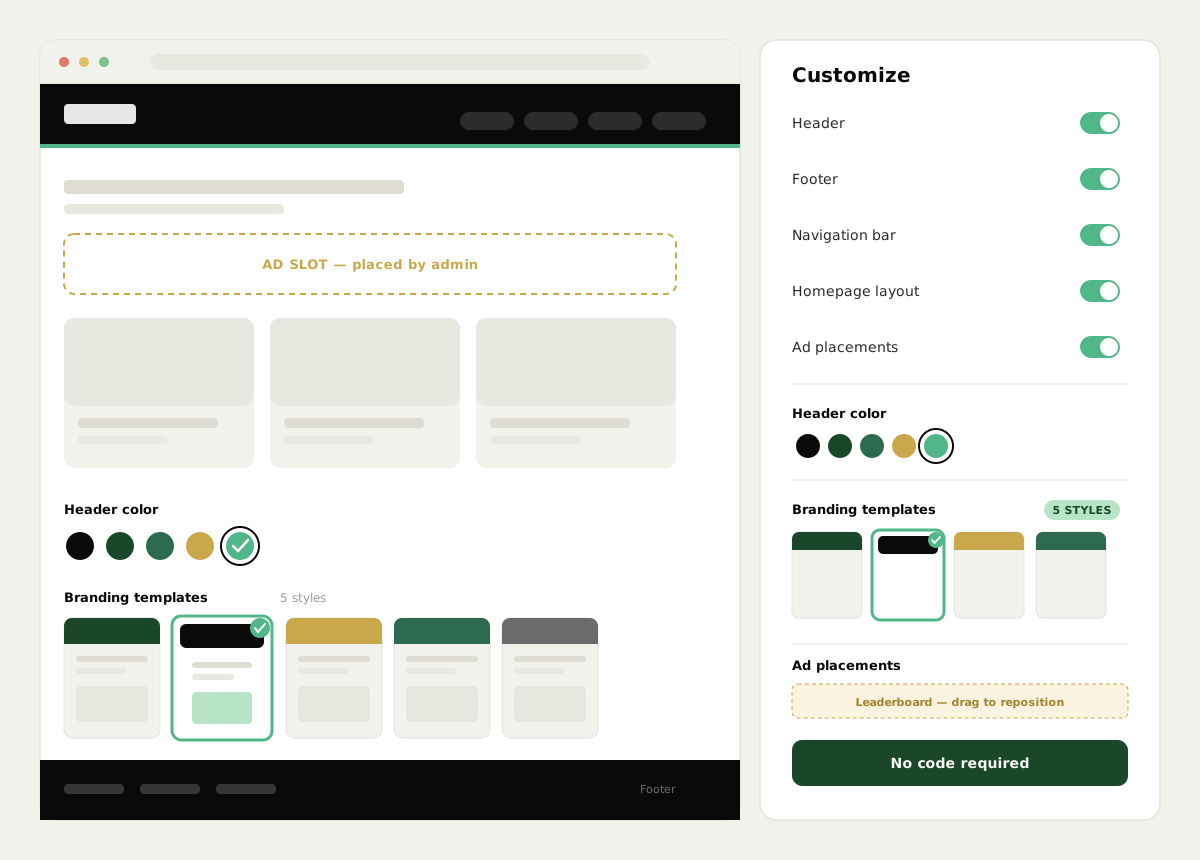
Ad inserter
Drop ad units exactly where you want them from the same customization panel — between article blocks, inside the homepage layout, or within a live blog feed — and adjust placement any time without touching code.
Roles & editorial workflow
Content moves through a clear approval chain, with permissions matched to each role.
| Role | Can do |
|---|---|
| Author | Write and submit articles for review |
| Editor | Review, edit, and approve author submissions |
| Admin | Publish content, manage users, and configure the tenant |
301 redirects
PressTag automatically tracks every slug an article has ever used. If you rename a URL, or migrate from another CMS, old links automatically 301-redirect to the current one — no manual redirect rules to maintain.
Headless API
Every piece of content in PressTag is available as JSON through a REST API, so your frontend can be built in any framework.
// Fetch the latest published articles for a tenant
GET https://api.getpresstag.com/v1/articles?status=published&limit=10
Authorization: Bearer YOUR_API_KEY
Responses return plain JSON, ready to render in Next.js, Nuxt, Astro, or any framework of your choice.
Multi-tenant setup
One PressTag backend can power several independent publications at once. Each tenant gets its own data isolation, admin users, and branding — useful for media groups running more than one title without standing up separate infrastructure for each.